Designing Repeating Patterns in Canva: Super Quick and Easy
We may earn a small commission for purchases made through affiliate links in this post. For more information go to our Privacy Policy.
I’ll be the first to admit—I fell down the pattern rabbit hole and never really climbed back out.
It started with one cute design. A row of stars. Then I tiled it. Magic. Suddenly, I was slapping repeating patterns on everything: stickers, planner covers, digital notebooks, bookmarks, even sublimation mockups I forgot I downloaded six months ago. It’s that satisfying. And yes, you can absolutely do it in Canva.
Wait… You Can Make Repeating Patterns in Canva?
Yes. Yes, you can.
No fancy Photoshop skills. No awkward Illustrator learning curve.
Just you, Canva, and a few smart clicks.
It’s not true vector pattern-making (design purists, I hear you), but for digital creators, printable lovers, and planner designers? Canva does the job beautifully.

Step 1: Create a Pattern Tile
This is your repeating unit. It could be:
- A line of doodles
- A cluster of florals
- A bunch of icons evenly spaced
- A hand-lettered word that you want to tile like a background
- Cute cats and pumpkins.
- Books and ghosties with wine.
Start with a square Canva canvas (I like 500×500 px for easy exporting). Add your elements, and make sure they’re spaced evenly and sit inside the edges—nothing should be hanging off the sides.
Pro tip: Keep alignment and spacing consistent. Canva’s position and spacing tools are your BFFs here.
Step 2: Use the APP to Create a PNG (Transparent Background)
There’s and APP for that!
Load DESIGN TO IMAGE in your set of apps. This will generate a PNG for you and automatically put it into your UPLOADS.
NOTE: Make sure transparent background is checked. You want a clean tile that can sit on top of any background—white, pastel, wild rainbow gradient, whatever your aesthetic heart desires.
Step 3: Tiling It into a Full Pattern
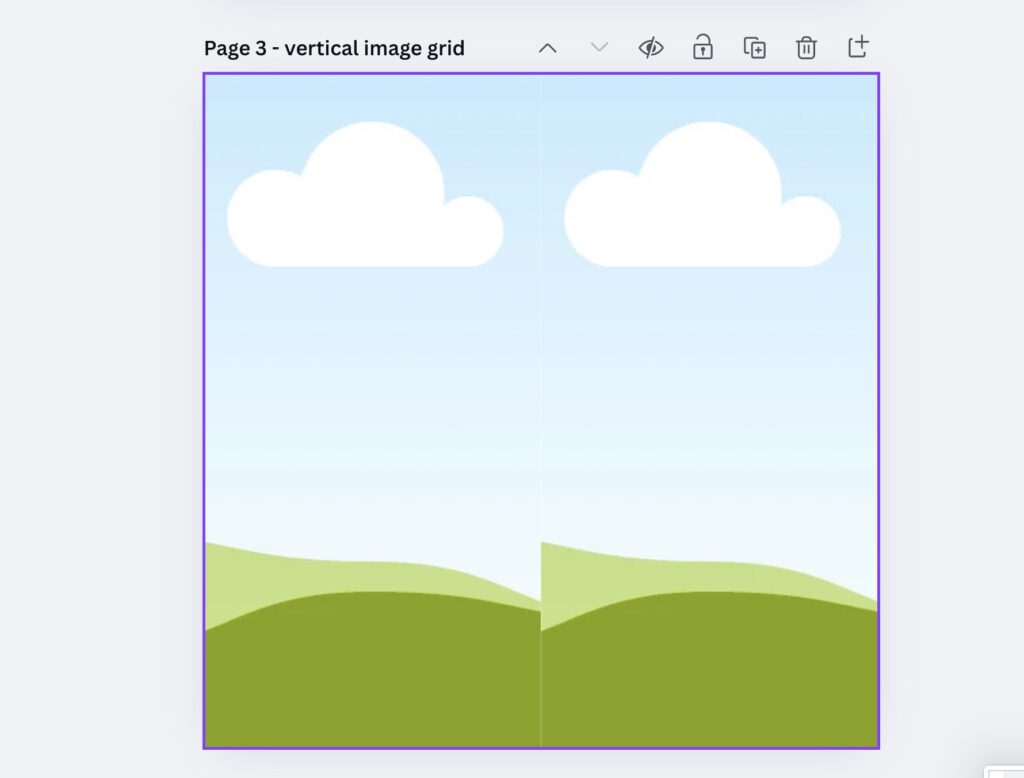
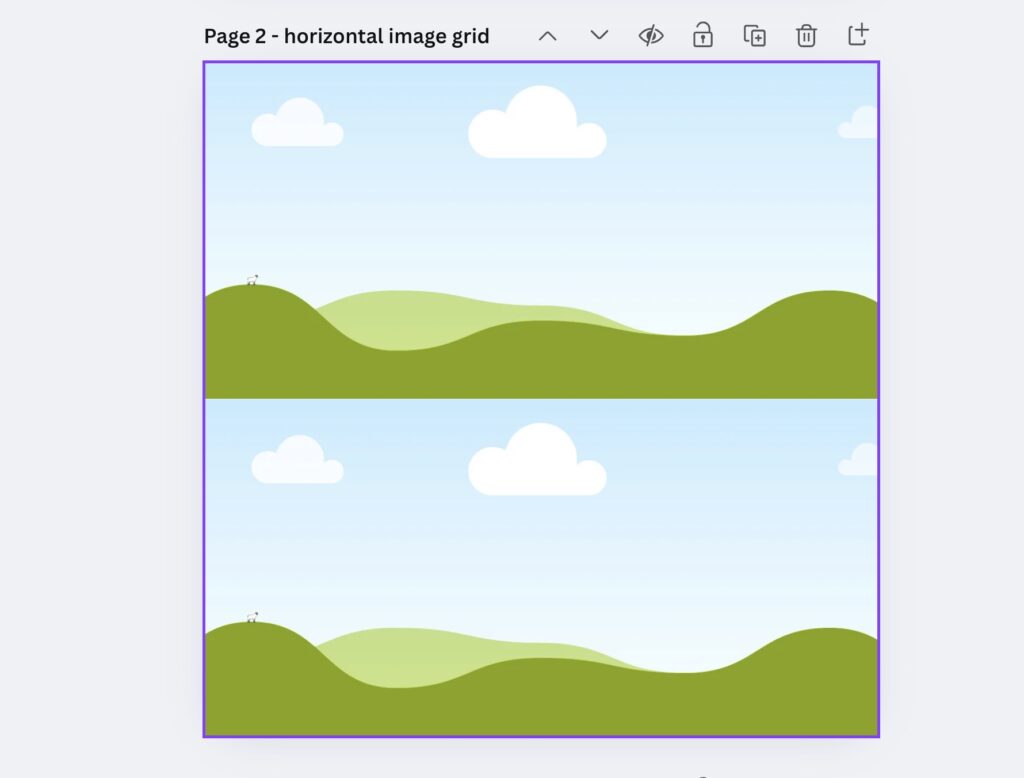
Insert the IMAGE FRAME GRIDS into your next page. One that runs horizontal on the first page. A second that runs vertical on the 3rd page.
Be sure to remove the white space between the frames and bring your image right to the edge of your canvas.
Insert the saved PNG into the horizontal tiles. Double click and slide the top one up, and then the bottom one down.
Repeat the process of exporting the page as a PNG.
Then insert this new design into the vertical frames. Export one more time.
The Final Pattern
Take your final export and tile it across your 4th page in quarters. Drag until you see the guides that tell you that you’ve hit the center of the page. Put one design in each quadrant.
Duplicate the page as many times and you desire while changing the color of your background.
Now What?
Let’s talk what the heck to use these for—because repeating patterns are lowkey the most versatile design element you can make.
Printable & Digital Planner Goodies
- Covers (seasonal, aesthetic, themed)
- Dashboard inserts
- Patterned boxes, dividers, and washi tape stickers
- Page backgrounds that don’t scream “stock image from 2014”
Print-on-Demand Products
- Notebooks
- Wrapping paper
- Tote bags
- Pencil pouches
- Phone cases (through Redbubble, Zazzle, etc.)
Etsy-Ready Clipart or Background Packs
Bundle your patterns with matching color themes or vibes. Cozy fall patterns? Instant bestseller. Boho rainbows? You already know.
Sublimation Designs
If you’re dabbling in tumblers, mugs, or tees, patterns are gold. Download as high-res PNG or PDF print files and let the printer do its thing.
Pattern Design Tips from Someone Who’s Learned the Hard Way
- Stick to 3-5 colors per pattern. Less chaos, more cohesion.
- Start simple. Your first pattern doesn’t need 47 overlapping elements.
- Use Canva’s “duplicate page” feature to make variations with color swaps.
- Test the tile at small and large sizes. What looks cute blown up might be unreadable when shrunk.
- Save your tile separately. You’ll want it for future pattern packs, color variations, or branded kits.
One Last Thing…
If you’ve got a Noteful, Goodnotes, or even Procreate file calling your name, repeating patterns are like instant pixie dust. They elevate your designs from “meh” to “where did you buy that?”
Go. Tile something.
And when you do, tag me or send a screenshot. I swear it’ll make my office-supply-loving heart sing.
Watch the video for step-by-step instructions. Fill out the form below to get your free Canva template to get you started (I filled out a pumpkin pattern starter and the images for horizontal and vertical tiling).
[convertkit form=8405531]