Free Canva Sticker Templates You Can Customize in 5 Minutes or Less
We may earn a small commission for purchases made through affiliate links in this post. For more information go to our Privacy Policy.
Stickers. The universal love language of planners, teachers, and anyone who finds joy in labeling literally everything.
But designing your own can feel like a full-time job… until you discover Canva’s free sticker templates. Whether you’re making digital stickers for Noteful or printable labels for your lesson planner, these templates will save your time and your sanity.
No drawing skills required. No need to start from scratch. Just click, customize, download, done.

Why Use Canva Sticker Templates?
Let’s be honest. Staring at a blank artboard is cute for like… 2 minutes. Then your brain short-circuits. Canva’s free templates give you:
- Design bones so you’re not guessing what goes where.
- Endless customization (colors, fonts, clipart, layout—change it all).
- Consistency across sticker sheets, so your planner actually looks cohesive.
It’s like having a design assistant who doesn’t need coffee breaks.
Best Types of Free Sticker Templates in Canva
You can create almost any kind of sticker with the right template. Here are the top free categories you should be searching for:
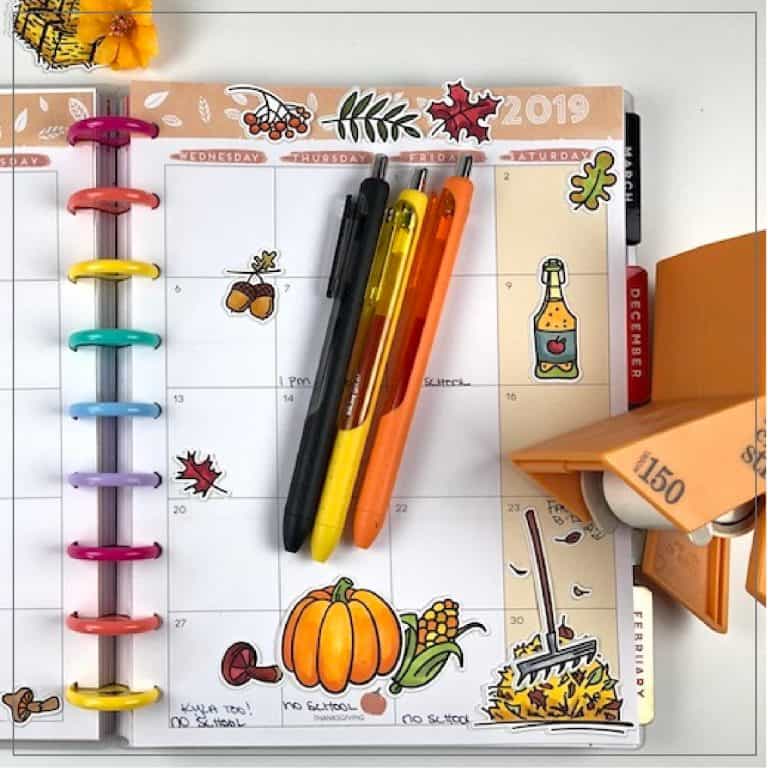
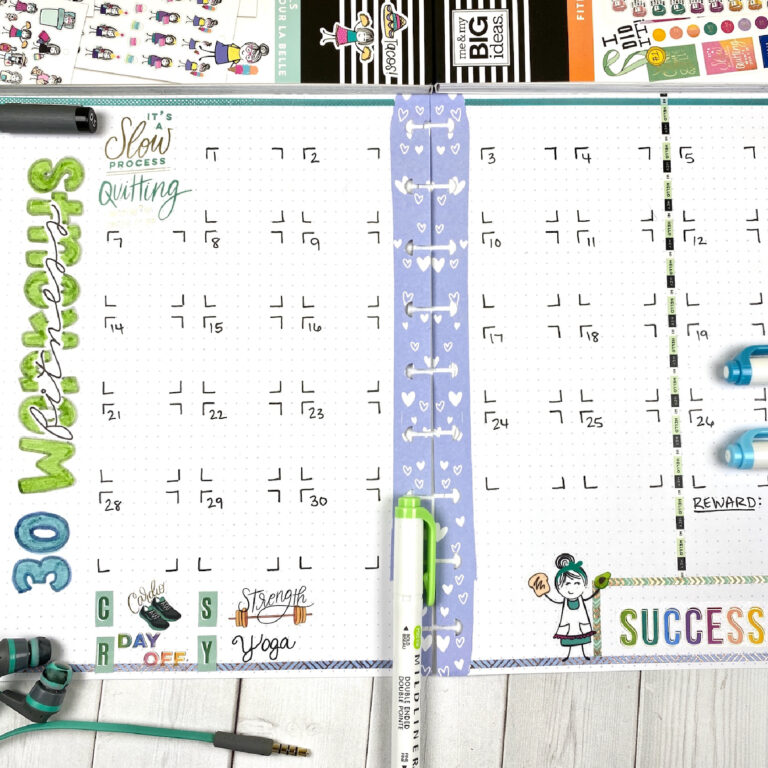
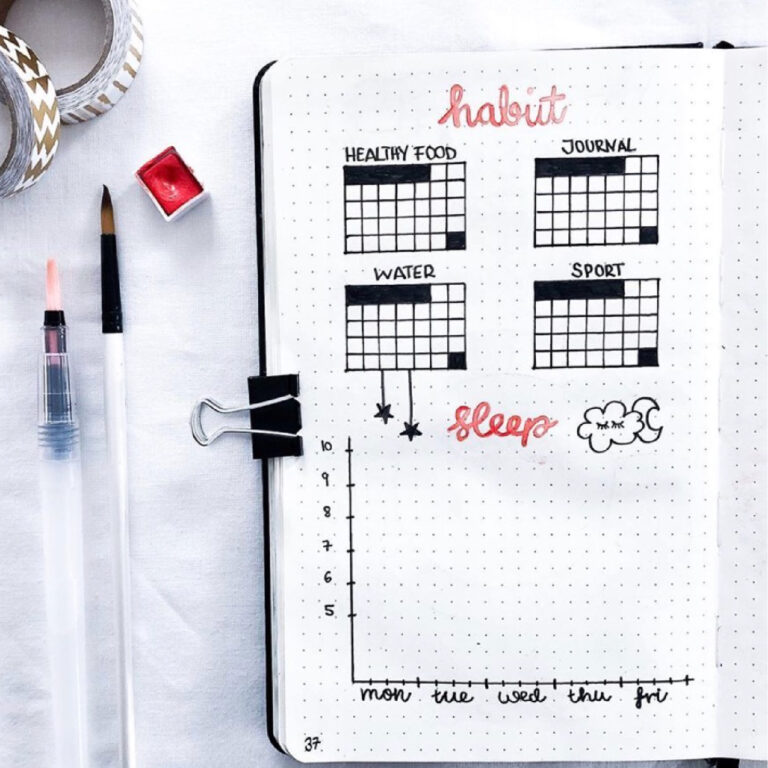
🗓️ Functional Planner Stickers
Boxes, checklists, headers, trackers. For the girlies who love an organized chaos vibe. Pro tip: match these with your weekly spread color scheme. Instant aesthetic.
🧠 Mindset + Motivation Stickers
Quotes, affirmations, or daily mantras. These look gorgeous layered on top of digital journal pages.
🌸 Decorative Stickers (aka Just-for-Fun)
Florals, stars, coffee cups, seasonal doodles—no purpose except to spark serotonin. We love to see it.
🧩 Icons + Labels
Great for students, ADHD brains, or anyone categorizing all the things. You can build custom sets and reuse the base template again and again.
Where to Find the Good (Actually Free) Canva Sticker Templates
Let’s cut through the clutter. Here’s where to actually find free templates:
How to Use Canva Sticker Templates Like a Pro (Even If You’re New)
You don’t need design experience—just a vibe and a little curiosity.
Step 1: Pick a template that fits your style or purpose (functional, decorative, themed, etc.)
Step 2: Swap out text, colors, and icons. Add your branding or your name if you’re selling them.
Step 3: Download as PNG (with transparent background for digital stickers) or PDF for print.
Step 4: Import into Goodnotes, Noteful, or Cricut if you’re cutting them.
Want extra magic? Create a sticker sheet layout with bleed lines and cut guides. Canva makes it stupidly easy.
Wanna Sell Your Stickers Too?
Yes, you absolutely can. (And yes, people are making real money doing this.)
Use free templates as a base. Brand them. Offer matching sets. Create niche bundles like:
- ADHD-friendly planner sticker kits
- Teacher-themed sticker pages (IEP reminders, grading moods, test day pep talks)
- Aesthetic digital packs for Noteful users (think cozy + boho with light textures)
If your brain just lit up with ideas, good. You’re onto something.
NOTE: these templates can be used to make physical stickers print, cut and sell. Terms of Use do NOT allow for digital sticker sets to be sold.
Final Thoughts: Don’t Reinvent the Wheel. Just Stick It.
Free Canva sticker templates are the cheat code you didn’t know you needed. Fast. Flexible. Fun. And once you start using them, you’ll wonder why you wasted so much time making sticker sheets from scratch.
Your digital planner is ready for a glow-up. Your Etsy shop might be too.
Want my free sticker starter kit, including a Canva template and tips for selling digital stickers?